


Client: Commercial mechanical contractor
Construction Daily Report App
Platform: Power Apps, SharePoint

The Challenge
Site supervisors were required to complete a daily field report covering crew headcount, weather, progress, safety briefings and any issues affecting the schedule. These daily logs were completed on paper or in email and filed inconsistently.
The consequences were significant
These gaps created significant operational challenges, making it harder for project teams to maintain accurate records, respond quickly to issues, and keep field and office teams aligned across every project site.
Reports were frequently incomplete or submitted days late.
Jobsite photo documentation was rarely captured, and any photos taken were stored separately from the report.
Safety briefing records — a contractual and regulatory requirement — were difficult to produce on demand.
Project managers had no consolidated view across sites without manually gathering documents.
Early warning signs of schedule delays and out-of-scope work were buried in free text and often missed.
The Solution
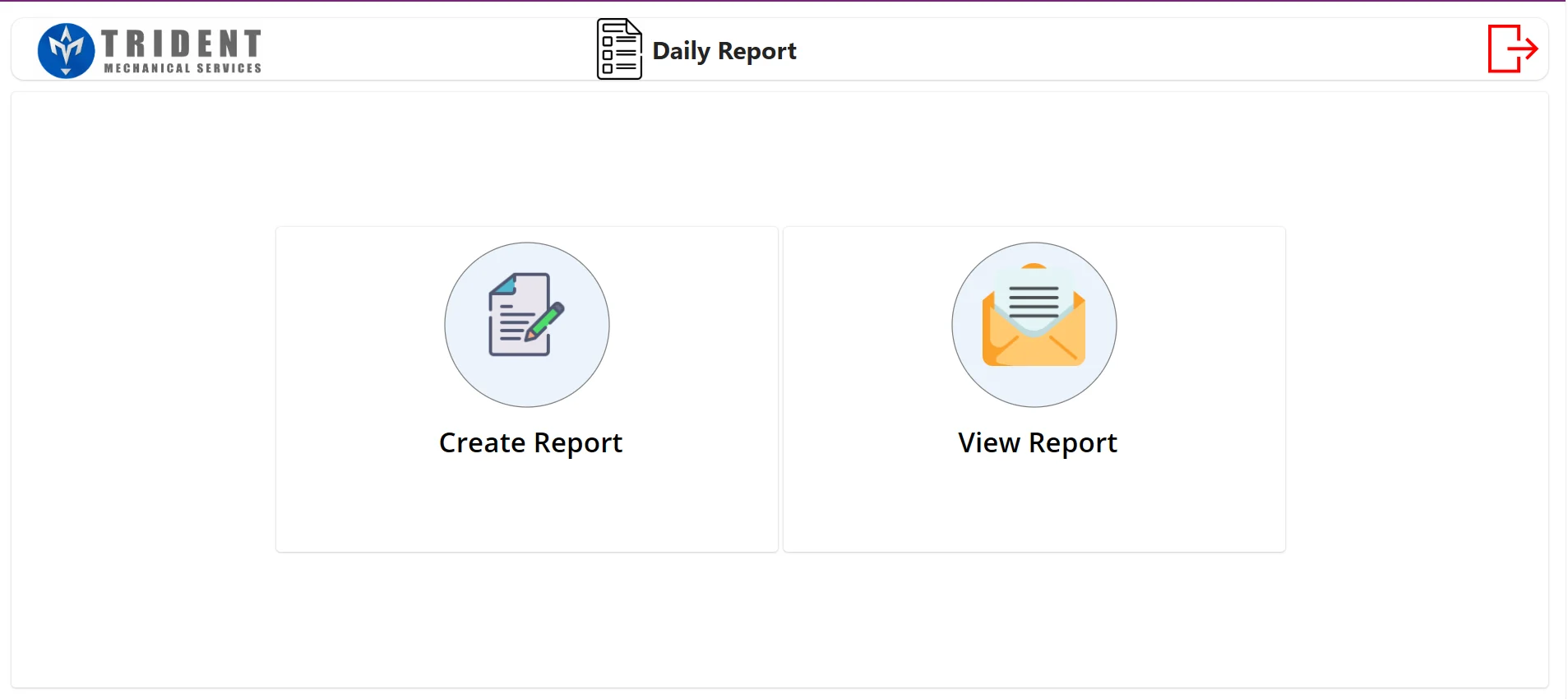
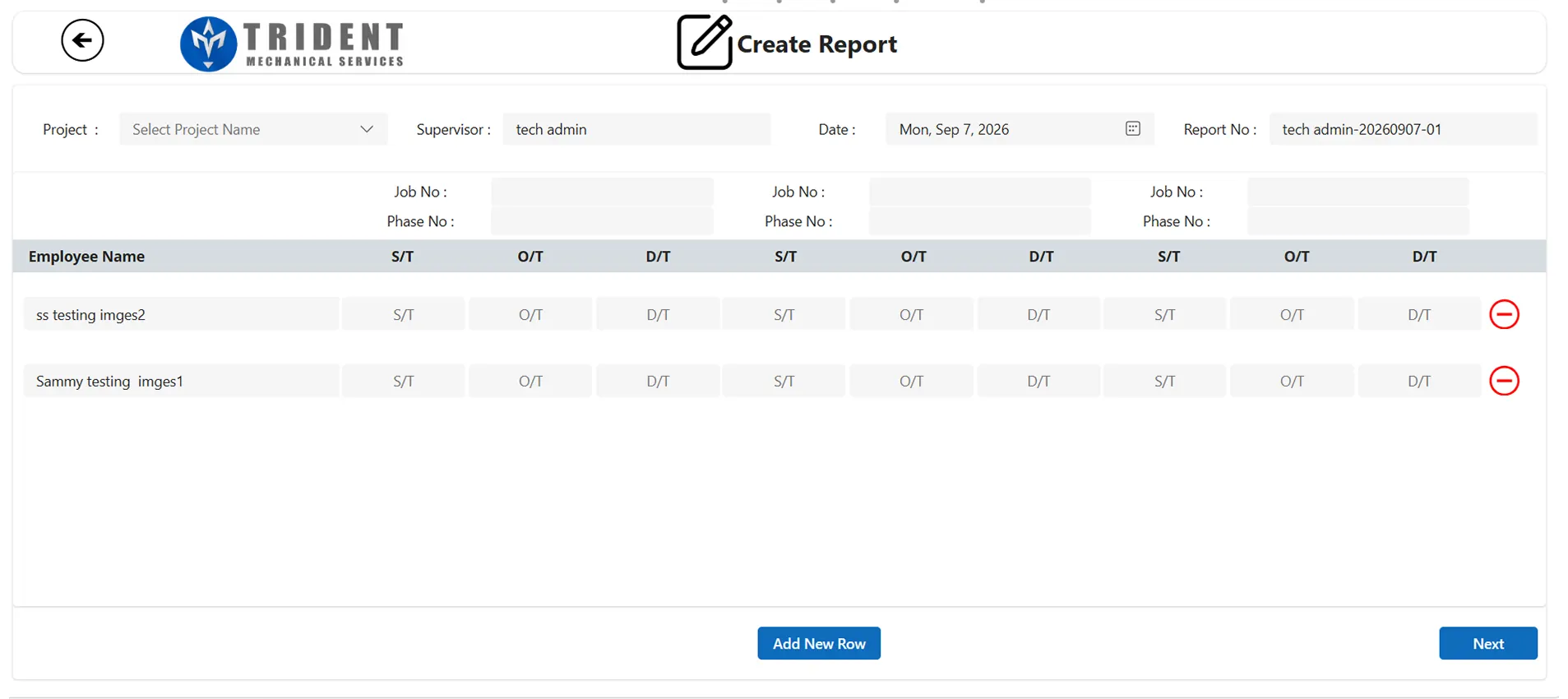
A Power Apps daily report app that replaces paper daily reports with a structured digital daily field report. Supervisors are guided step by step, photos are captured inline, and every submission is stored centrally and searchable. The app covers three stages: structured capture, exception reporting, and retrieval and review.


Structured capture
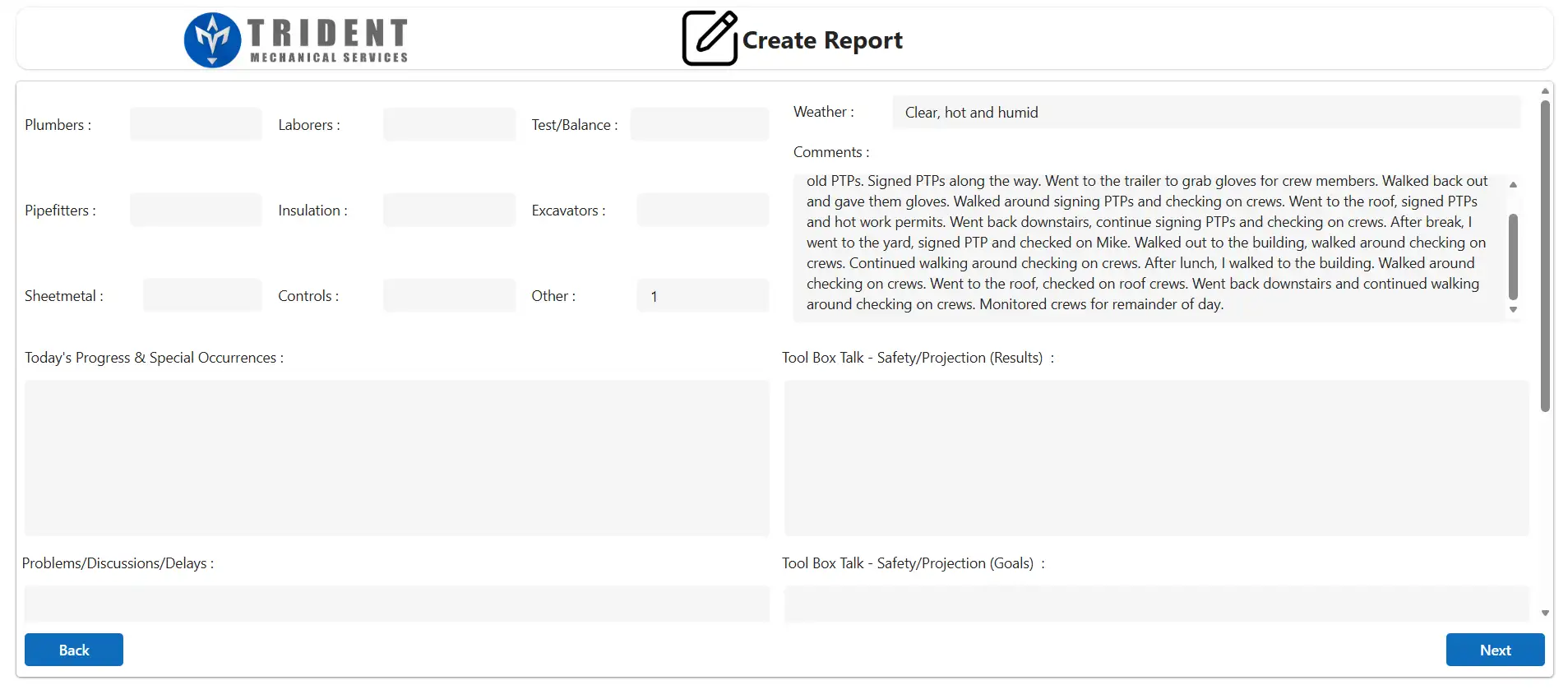
Crew headcount tracked by trade — plumbers, pipefitters, sheetmetal, laborers, insulation, controls, test and balance, excavators.
Weather conditions and a free-text activity log of the day.
Progress and special occurrences, problems, discussions and delays.
Toolbox talk tracking covering both the safety topic delivered and goals set.
Exception reporting
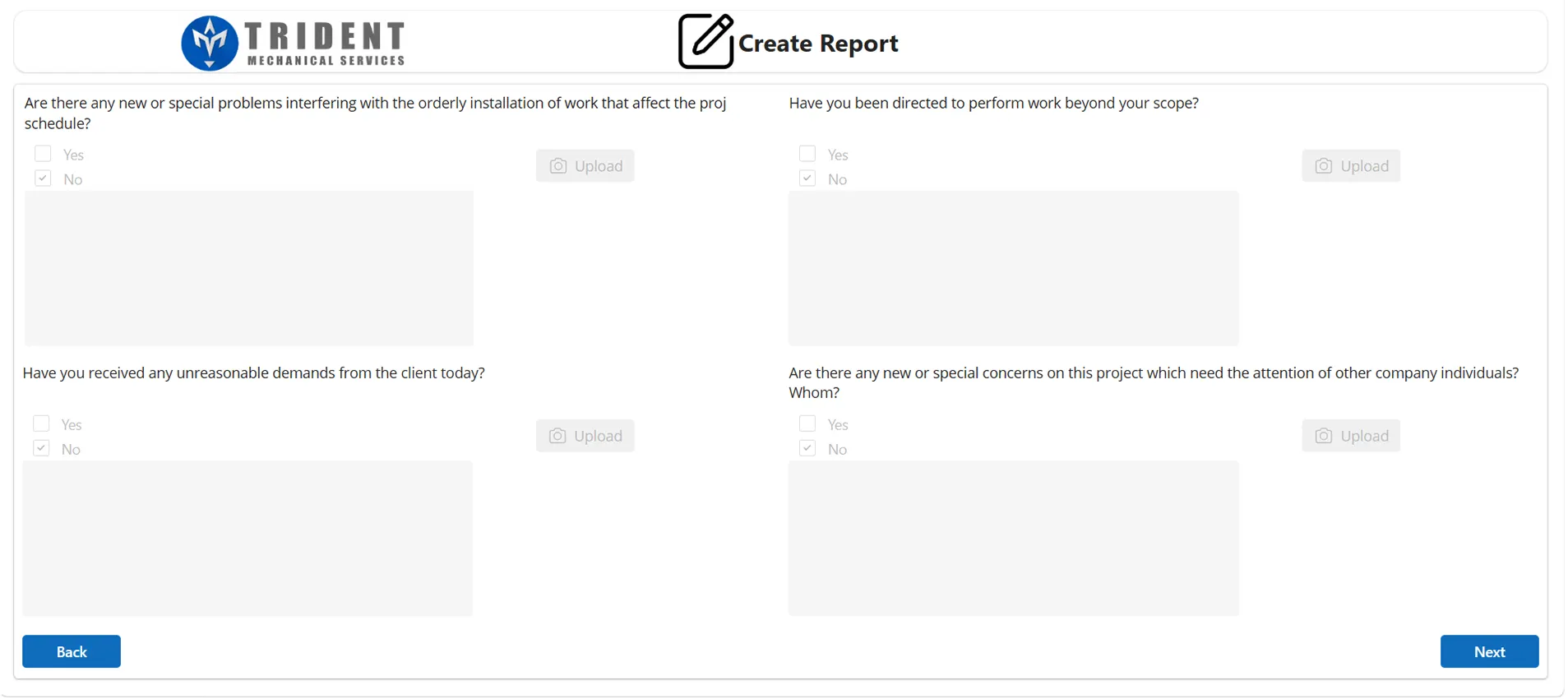
Structured yes or no questions to document schedule delays, out-of-scope direction, unreasonable client demands, and matters requiring escalation.
Photos attached directly to each exception, so evidence sits alongside the issue it documents.
Supporting narrative captured against each flagged item.
Retrieval and review
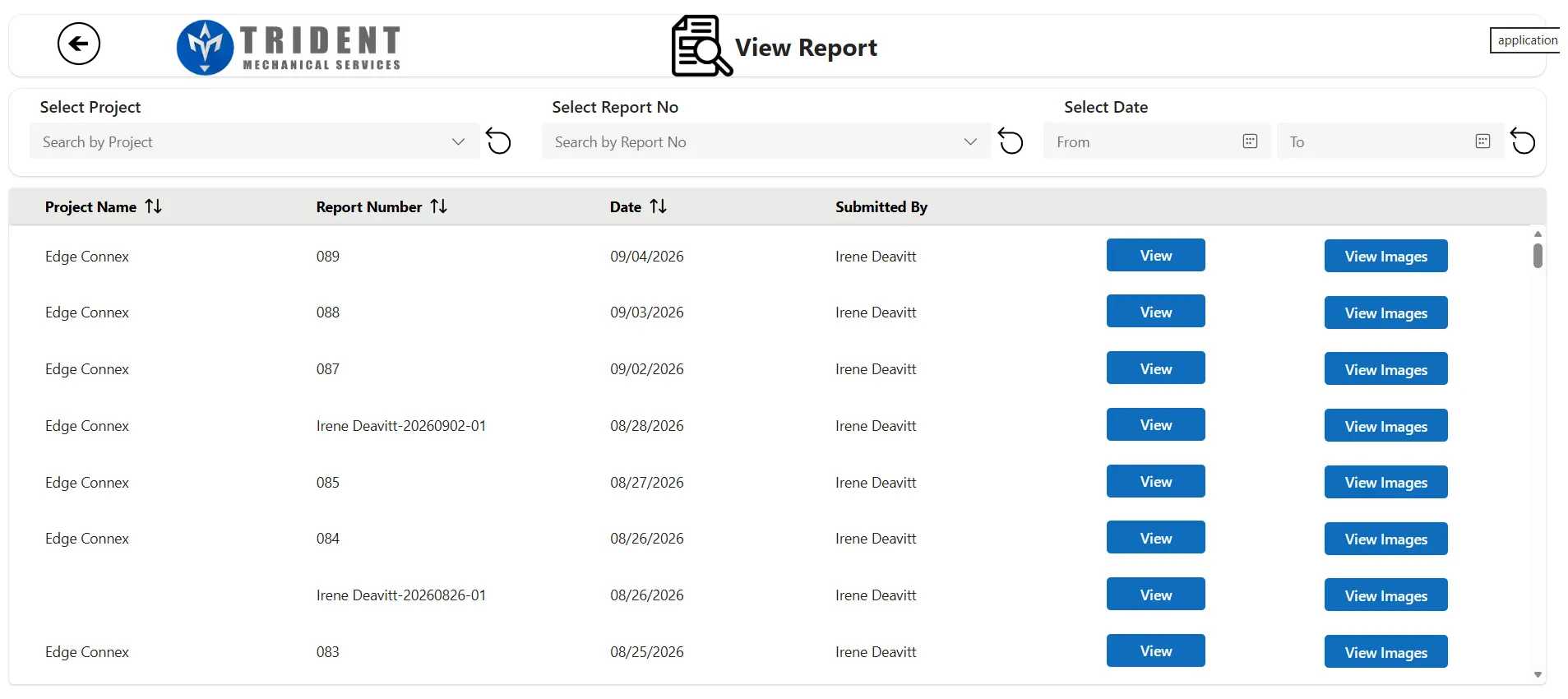
Searchable report register filtered by project, report number or date range, giving project managers one view across every site.
Sortable columns with submitter attribution against every report.
Separate views for the report content and its associated photographs.
Sequential report numbering per project for straightforward reference.
Outcomes
Area
Before
After
Completion
Inconsistent and often late
Structured, same day
Photographic evidence
Rarely captured
Attached to each exception
Safety records
Difficult to produce
Retrievable on demand
Escalation
Buried in free text
Explicitly flagged
Retrieval
Manual document search
Filtered in seconds
Site conditions and issues are now documented at the point they occur. Toolbox talk and safety briefing records are produced on demand, and matters requiring escalation are flagged explicitly rather than being lost in narrative text.
Construction Daily Report App — Technical Detail
Power Apps multi-step form with state preserved across steps, allowing partial completion and return.

Power Apps image upload to SharePoint handled inline, with files referenced against the parent report record.

Sequential report numbering generated per project.

Filtered retrieval by project, report number and date range, with delegable queries maintaining performance as report volume grows.

Separate rendering paths for report content and photographic evidence.

Security Model
The security model was designed to protect sensitive information while keeping access simple and practical for every user. Role-based permissions, controlled data access, configurable reporting relationships, and complete approval histories ensure that users only see the information relevant to their responsibilities while maintaining accountability across the organization.
Role-based access with three tiers — employee, manager and administrator.
Employees see only their own records; managers see their direct reports; administrators have full visibility.
Access enforced at query level rather than in the interface, so restricted data is never retrieved by unauthorized users.
Reporting-line relationships held as configuration, allowing structural changes without application modification.
Approval actions attributed and timestamped, with status history retained for audit.
Delivery Approach
Development in a dedicated environment with promotion to production via managed solutions.

Iterative delivery with client testing at each stage and feedback incorporated before release.

Integration validated against a test company within the ERP before enabling production posting.

Changes to live payroll logic scheduled outside submission windows to avoid disruption.